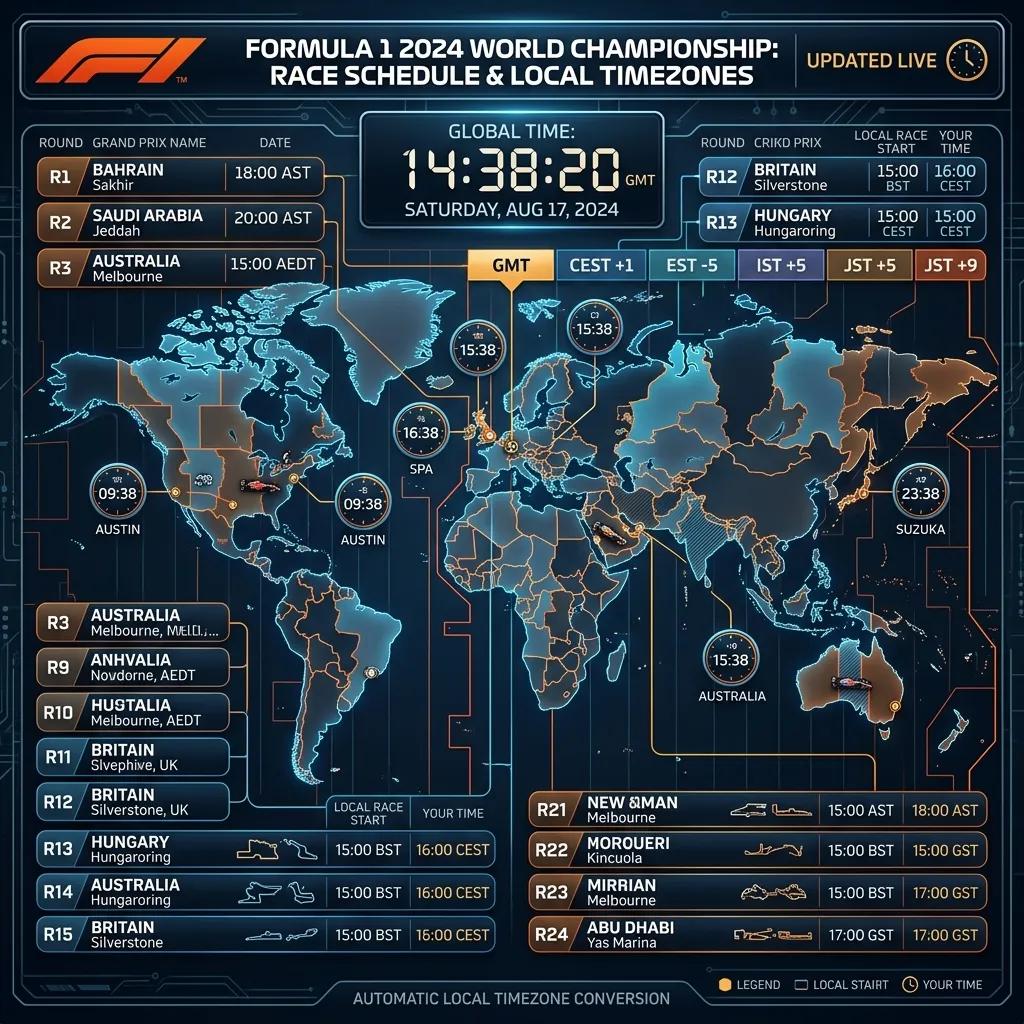
Why fans still miss sessions in 2026
Most people do not miss sessions because they are uninformed. They miss sessions because they are working across multiple tabs, mixed timezone labels, and weekend formats that shift from round to round.
Search behavior reflects that reality. Fans repeatedly look for "what time is the next F1 race", "F1 schedule local time", and "F1 sprint qualifying time" because one static chart is rarely enough for a full season.
Trademark note: F1X is independent and unofficial. It is not affiliated with Formula One World Championship Limited, FIA, or teams.
A reliable 5-step timezone workflow
- Identify the weekend format first: standard round or sprint round.
- Check all sessions together, not one-by-one, so Friday to Sunday logic stays intact.
- Confirm your local timezone label for that weekend, especially around daylight-saving transitions.
- Pin one always-visible countdown source in the tab you open most.
- Re-check race-morning timing in case sessions were moved or cancelled.
Where F1x helps in practice
F1X renders session schedules in local browser time and keeps the next-race countdown visible in the same view as standings and calendar. For desktop-first users, that removes most last-minute conversion mistakes.
Because the dashboard also surfaces sprint labels in the calendar and session widgets, you can catch format differences early, before weekend reminders go wrong.
Three common conversion mistakes
1. Converting only race start and ignoring support sessions
If you only convert lights-out time, sprint qualifying and sprint race windows are easy to miss, and you lose context for Sunday.
2. Assuming your timezone offset is static all season
Local offsets can move when daylight-saving rules change. A schedule that was correct two rounds ago can become wrong without warning.
3. Splitting schedule and countdown across separate tools
Fragmented workflows increase cognitive load. Putting calendar, countdown, and race context together reduces avoidable errors.
What to do on sprint weekends
Treat Friday as the most important setup day. Lock your local times for sprint qualifying, sprint race, and Grand Prix in one pass. If you delay this until Saturday, it is easier to miss key sessions.
FAQ
What is the fastest way to check the next F1 race in local time?
Use one dashboard that shows full weekend sessions in your local timezone, then validate race morning before lights-out.
Do sprint rounds require a different reminder workflow?
Yes. Sprint rounds add critical sessions earlier in the weekend, so your reminders should be anchored from Friday onward.
Can I rely on a single season-long timezone table?
It is safer to validate each round. Schedule changes and timezone shifts are the two biggest causes of missed sessions.
Keep every race weekend in your local time
Install F1X to keep next-race countdown, session schedule, and standings in one Chrome new-tab dashboard.
Add F1X to Chrome