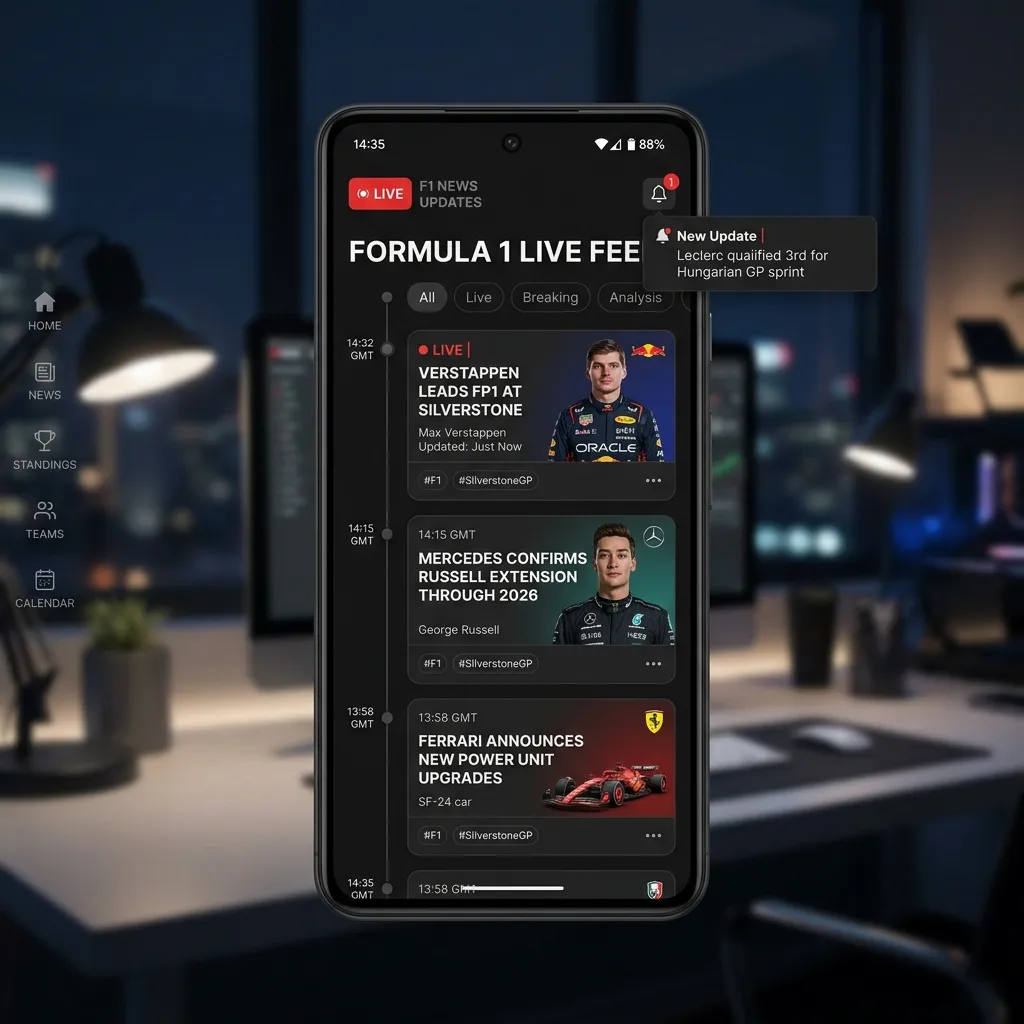
Why alert fatigue hurts race-weekend focus
Duplicate notifications and mixed-priority headlines can make it harder to notice the one update that really matters, such as a timing change, penalty, or session incident.
Trademark note: F1X is an independent fan product and is not affiliated with Formula One World Championship Limited, FIA, or teams.
The 3-bucket headline method
- Immediate: Session-impacting updates during active race windows.
- Same-day: Strategy, penalties, and major paddock context.
- Skim later: Features, opinion pieces, and long-tail stories.
How to reduce duplicate news checks
- Use one dashboard source for quick headline scans.
- Set fixed check-in times instead of passive always-on notifications.
- Separate race-critical timing info from general news browsing.
How F1x fits this workflow
F1X includes a Latest News widget with selectable source modes, so you can keep headlines in context next to schedule and standings. That setup helps you stay informed without opening a chain of random tabs.
FAQ
How often should I check F1 news on race weekends?
For most fans, a pre-session check plus one post-session summary check is enough.
Are push notifications always bad?
No. They are useful for critical timing changes, but too many low-priority alerts reduce their value.
Can I still stay up to date with fewer alerts?
Yes. A structured check-in routine is usually more reliable than nonstop notifications.
Stay informed without the noise
Install F1X and keep headlines, schedule, and live context in one focused dashboard.
Try F1X