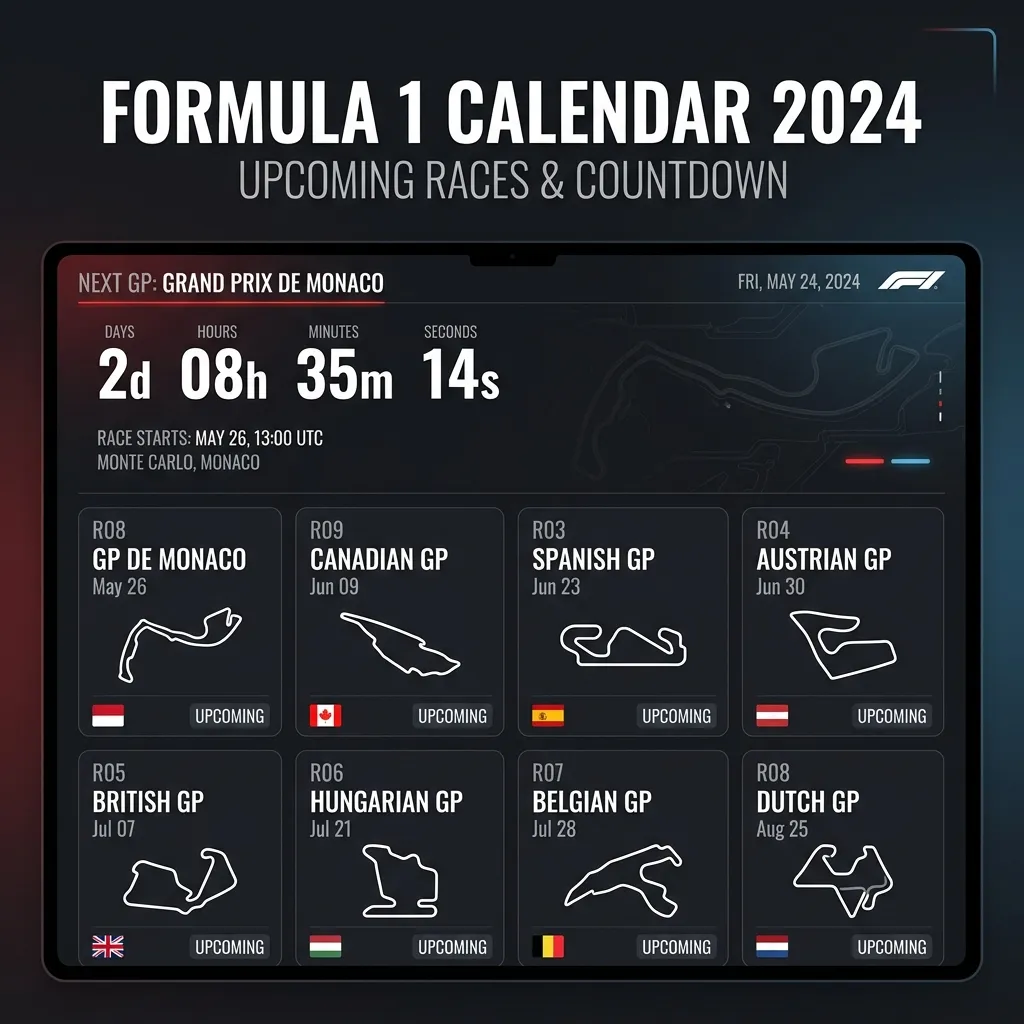
Calendar and countdown are not competitors
A calendar gives the full weekend map. A countdown gives immediate urgency. The best setup combines both in one daily workflow.
Trademark note: F1X is an independent fan dashboard. It is unofficial and not endorsed by Formula One World Championship Limited or FIA.
When a calendar is enough
- Planning your full week before the round starts.
- Comparing sprint and non-sprint weekends in advance.
- Spotting schedule conflicts with work or travel.
When countdown is critical
- The final 24 hours before a session starts.
- Busy weekends where you can lose track of exact start time.
- High-pressure sessions where missing the opening laps matters most.
A hybrid setup that works for most fans
- Use calendar view for weekly planning every Monday or Tuesday.
- Switch to countdown-first view on Friday morning.
- Keep one visible local-time source through Sunday race end.
How F1x handles both views
F1X includes a full calendar widget and a next-race countdown widget in the same customizable layout. This makes it easier to move from long-range planning to session urgency without changing tools.
FAQ
Is countdown better than calendar for sprint weekends?
Countdown is stronger right before sessions, but calendar is still needed to understand weekend structure.
Can local timezone conversion still fail with countdown?
It can, if your source is not localized. Always confirm local-time rendering once per round.
What is the minimum reliable setup?
One weekly calendar check plus one always-visible countdown during the race weekend.
Use calendar planning and countdown urgency together
Install F1X and keep both timing modes in one race-weekend dashboard.
Add F1X